Most people use the internet every day without ever stopping to think about what it really is.
And that is normal. Good technology often feels invisible. It works so smoothly that we stop noticing what is happening in the background. But if you are learning technology, understanding the internet changes a lot. It stops feeling like something abstract or mysterious and starts to make practical sense.
That matters more than people think. Once you understand the basics of how the internet works, topics like websites, servers, Wi-Fi, routers, DNS, IP addresses, and even common connection problems start to feel much easier to understand.
It did not begin as a public tool
The internet did not begin as something made for ordinary daily use.
Its roots go back to the late 1960s in the United States, when a military research agency called ARPA created a project known as ARPANET. The idea was to build a communication network that could keep working even if part of it was damaged.
Instead of relying on one central path, the network would allow information to travel through different routes. That idea turned out to be extremely important. It made the network more resilient and helped shape the internet as we know it today.
Over time, universities and research institutions began using that network to share information. It was still far from the modern internet. It was slow, text-based, and mostly limited to technical and academic environments. The version closer to what most people know today only really began to take shape in the early 1990s, when the World Wide Web made the internet much more accessible to the public.
The internet is not the same as the Web
This is one of the most useful distinctions for beginners.
People often use the words internet and Web as if they mean the same thing, but they do not.
The internet is the global network of connected devices and systems. The Web is one service that runs on top of that network. It is the part that lets you open websites in a browser.
That means websites are part of the internet, but the internet is bigger than websites. Email, video calls, cloud storage, apps, online games, and messaging platforms also use the internet, even though they are not “the Web” in the narrower sense.
A lot of people remember the dial-up era
For many people, especially those who used computers in the 1990s and early 2000s, the first real internet experience came through dial-up.
That kind of connection used the same phone line people used for voice calls. To get online, the computer had to connect through a modem, which produced that unforgettable sequence of strange noises while trying to establish communication.
It was slow, noisy, and very limited. If someone picked up the phone in the middle of your connection, the internet could drop. If someone called the house, the same thing might happen.
In Brazil and in many other countries, that became part of daily life for a whole generation. People often waited until later at night to connect because rates were cheaper. For many families, the internet was not just about curiosity or fun. It was also about timing and cost.
Then broadband changed everyday life
Broadband made the internet feel completely different.
Instead of dialing in every time, the connection became much more continuous. It was faster, more stable, and far less frustrating. ADSL was one of the early forms of broadband that became common in many homes, and later connections continued to improve from there.
After that, cable and fiber connections pushed speeds much higher. In many places today, fiber optic internet delivers speeds that would have felt impossible in the dial-up era. And mobile internet kept evolving too, from 3G to 4G and now 5G, bringing faster access to phones and other devices.
This is why the internet today feels so immediate. A page opens in less than a second, a video starts almost instantly, and a file can be downloaded in moments. That sense of speed comes from decades of infrastructure development behind the scenes.
So what is the internet, in simple terms?
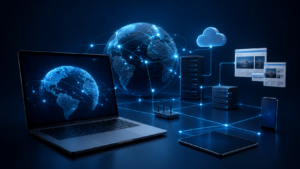
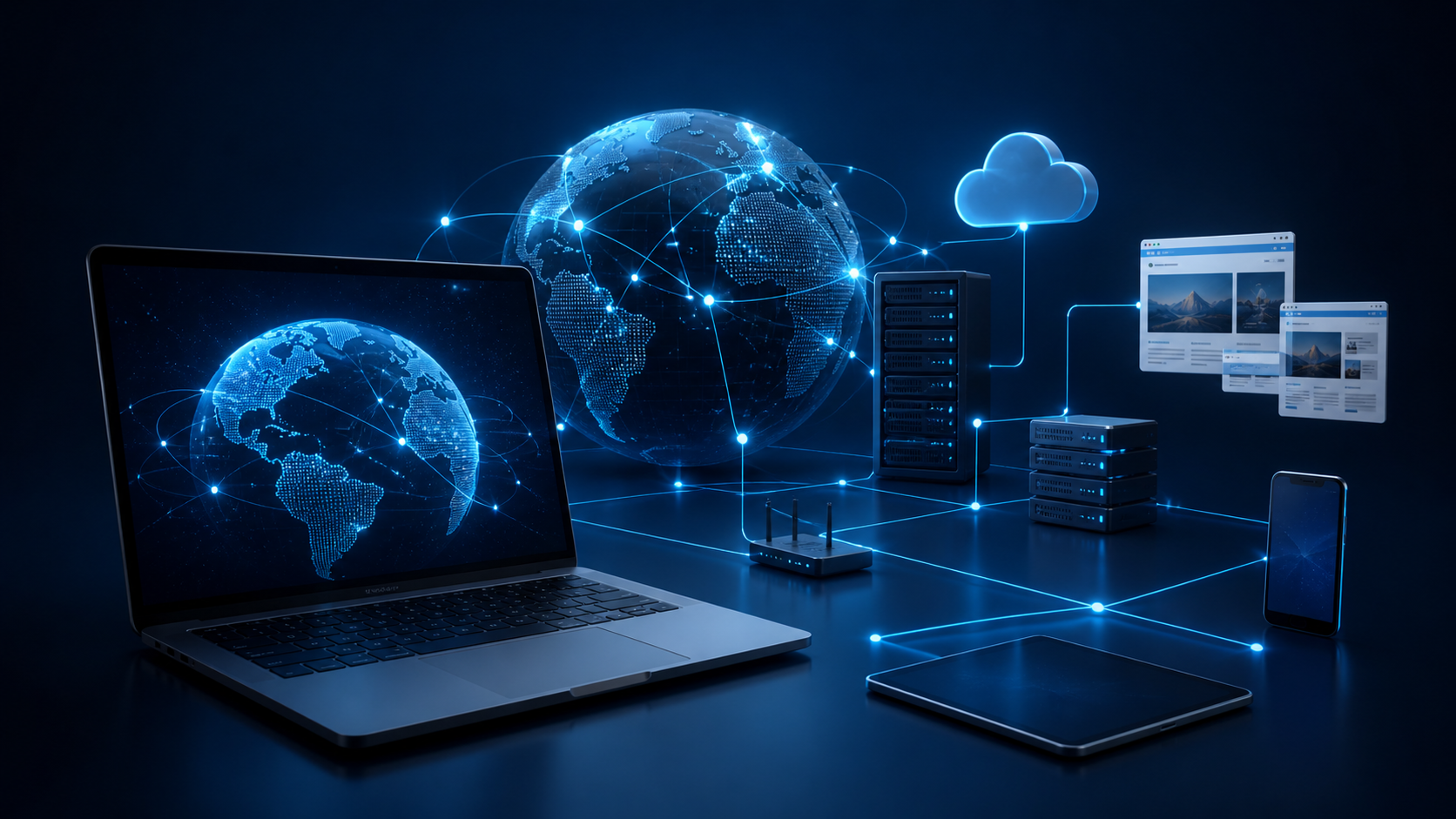
At its core, the internet is a very large network of connected devices.
That includes computers, phones, routers, servers, smart TVs, tablets, cameras, and many other devices. All of them communicate using agreed rules, which in technology are called protocols.
You can think of protocols as a shared language. If two people want to understand each other, they need a language in common. If two machines want to exchange data, they need agreed rules for how that data should be sent and received.
Some of the most important rules behind the internet are grouped under TCP/IP, which help define how data is broken into smaller parts, sent across networks, and reassembled when it arrives.
Every device has an address
For data to move from one place to another, devices need some way to identify each other.
That is where the IP address comes in. An IP address is like a digital address for a device on the network. It tells other systems where information needs to go.
Of course, most people do not want to memorize long strings of numbers just to visit a website. That is why we use names like google.com or youtube.com. Behind the scenes, a system called DNS translates those names into the numerical addresses computers actually use.
That process happens so quickly that most people never notice it.
What happens when you open a website?
When you type a website address into your browser, several things happen almost instantly.
First, your device needs to discover the IP address connected to that website name. It does this by asking a DNS service. Once that address is found, your computer sends a request across the network. That request passes through your router, your internet provider, and several other network points until it reaches the server where the website is hosted.
The server then sends the website data back to you. That includes text, images, code, layout information, and everything else needed for the page to appear correctly. Your browser receives that data, organizes it, and displays the page on your screen.
All of this can happen in less than a second, which is one of the reasons the internet feels almost instant even though a lot is happening in the background.
What is a server?
This is another word that appears constantly in technology, so it is worth understanding clearly.
A server is simply a computer that provides something to other computers.
When you open a website, your device is acting as the client. It asks for something. The server is the machine that receives that request and sends the content back.
Servers are often more powerful than ordinary personal computers, and many of them run all day, every day, inside data centers with controlled temperature, backup power, and strong network connections. But in principle, the idea is simple. A server serves data, services, or resources to other machines.
The internet is physical too
One thing that surprises many beginners is that the internet is not just “in the air.”
A lot of it depends on very physical infrastructure. Data often travels through real cables, including huge submarine fiber optic cables laid across the ocean floor. These cables connect countries and continents, allowing information to move across long distances extremely quickly.
From there, the signal reaches regional networks, internet providers, and eventually homes, offices, and mobile networks. Inside your home, your router helps distribute that connection to your devices, often using Wi-Fi.
So even though Wi-Fi feels wireless, much of the internet’s journey still depends on physical cables somewhere along the path.
What about mobile internet?
When you use the internet on your phone without Wi-Fi, the connection happens through the mobile network.
Your phone communicates wirelessly with a nearby cell tower. From there, the signal continues through the broader network infrastructure, which still depends heavily on physical connections in the background.
That is where terms like 3G, 4G, and 5G come in. These names refer to generations of mobile network technology. Each generation improved speed, capacity, and responsiveness.
So even when the last part of the journey is wireless, the larger system behind it is still a mix of towers, equipment, networks, and cables.
A few terms that help a lot
Some internet terms show up again and again, and knowing them makes everything feel less confusing.
- IP address is the numerical address of a device on the network
- DNS is the system that translates website names into IP addresses
- Router is the device that connects your home devices to the internet
- Bandwidth is how much data your connection can carry at once
- Latency is the delay between sending a request and getting a response
- ISP means Internet Service Provider, the company that gives you internet access
- Packet is a small piece of data sent across the network
You do not need to memorize all of them at once. But seeing them a few times in context makes the internet much easier to understand.
Why this matters
At first, this may sound like theory. But it helps in very practical ways.
It helps you understand why the internet can be slow even when Wi-Fi looks strong. It helps you understand why websites depend on servers, why a DNS problem can stop pages from loading, why online games care so much about latency, and why connection issues are not always caused by “the internet” in a general sense.
In other words, understanding the basics gives you a much better mental map of what is happening when something works or stops working.
Final thoughts
The internet is not magic.
It is a massive system of connected devices, physical infrastructure, shared rules, and constant communication between machines. It grew from a military research project into one of the most important parts of modern life, and today it supports everything from websites and email to streaming, cloud storage, and mobile apps.
When you understand that, technology starts to feel a little less mysterious.
And that is exactly why learning the basics matters.
Next in the series: Browser, Website, and App: What Is the Difference?