When many people search on Google or YouTube for how to start in IT, they quickly find videos and articles about programming, coding, algorithms, and complex technical topics.
Programming is absolutely part of technology. It is important, valuable, and full of opportunities. But it is not the whole field.
This is where many beginners become discouraged.
They look at code, see people talking about advanced concepts, and start thinking that technology is only for people who are extremely good at math, already know how to program, or have been using computers at a very advanced level for years.
That is not true.
IT is much bigger than programming, and there are many ways to begin. In fact, for many people, the best path is not starting with code at all. It is starting with the basics, building confidence, and creating a solid foundation of knowledge that will help them grow later.
IT Is Not Just Programming
Information Technology, or IT, is a broad field that includes many different areas, roles, and skills.
Programming is one path, but it is only one path.
Technology also includes areas such as:
- technical support
- service desk
- help desk
- networking
- cybersecurity
- cloud computing
- systems administration
- databases
- hardware
- infrastructure
- quality assurance
- IT operations
- data analysis
- technical documentation
- digital tools and productivity systems
Some roles require coding. Some require very little coding. Some do not require coding at the beginning at all.
This matters because many people give up before they even begin, simply because they think IT means “becoming a programmer right away.”
It does not.
Why Starting with the Basics Matters
Learning technology without understanding the basics can be like trying to study advanced math while still feeling confused about addition, subtraction, multiplication, or division.
You may move forward for a while, but eventually the missing foundation starts to create problems.
Then you have to stop, go back, and figure out where the confusion started.
Technology works in a similar way.
If a person skips the basics and jumps straight into advanced topics, they may feel lost very quickly. But if they first learn how computers work, how files are organized, how operating systems behave, how the internet connects people and systems, and how common digital tools are used, they build something much stronger: understanding.
That foundation becomes useful later in every area of IT.
It helps when learning support.
It helps when learning networks.
It helps when studying security.
It helps when moving into cloud or systems.
And yes, it even helps if the person later decides to learn programming.
What “Starting with the Basics” Really Means
Beginning in IT does not mean you need to master everything at once.
It means becoming familiar with the core ideas and practical skills that support the rest of your growth.
A strong beginner foundation may include:
Basic computer skills
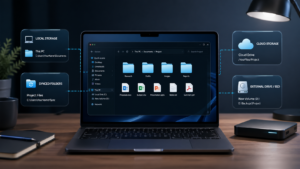
Understanding files, folders, downloads, browsers, settings, email, and common office tools.
Operating systems
Learning the basics of Windows, and later becoming familiar with Linux or other systems if needed.
Internet and networking basics
Understanding what Wi-Fi is, what IP addresses are at a simple level, how websites work, and how devices connect.
Digital organization
Knowing how to manage documents, passwords, accounts, backups, and basic security practices.
Problem-solving
Learning how to observe an issue, test simple solutions, search intelligently, and explain problems clearly.
Technical vocabulary
Becoming comfortable with common terms used in IT, even before going deeper into specialized topics.
These basic skills may seem simple, but they are extremely valuable. They create clarity, confidence, and a better learning experience.
A Good First Step: Service Desk and Technical Support
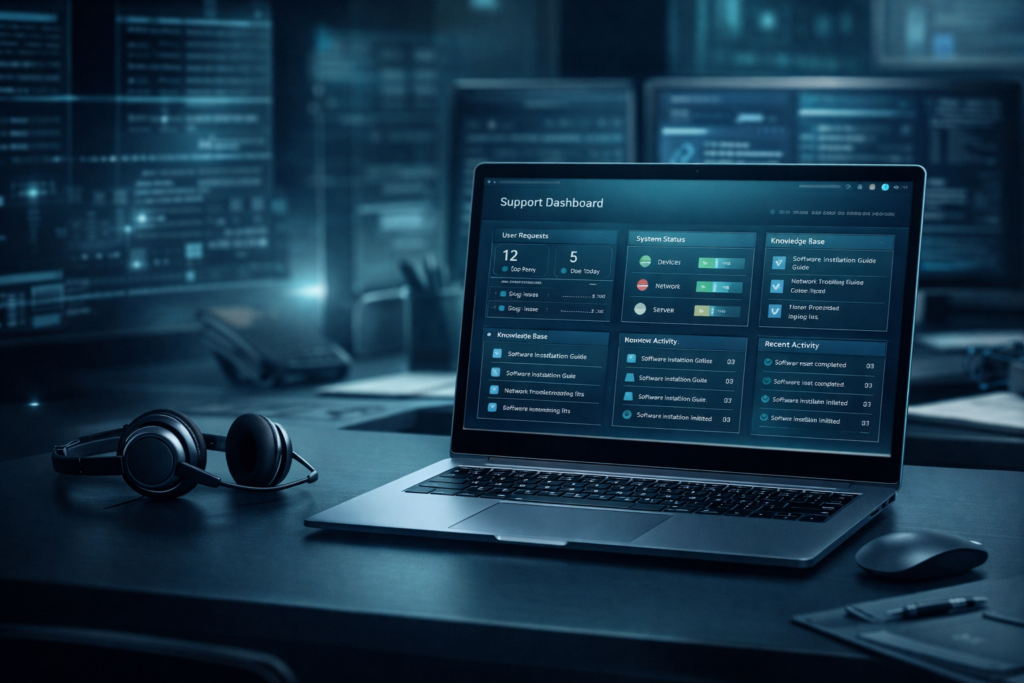
One of the most practical ways to start in IT is through service desk, help desk, or technical support roles.
These roles are often underestimated, but they can teach a lot.
In these positions, you may help company employees with computer-related issues such as:
- login problems
- password resets
- printer issues
- software access
- email problems
- network connection issues
- basic troubleshooting
- account support
- device setup
At first glance, this may sound simple. But it builds real-world experience in a very powerful way.
Why?
Because the person starts learning:
- how companies use technology in daily operations
- how systems and tools are connected
- how to communicate clearly with users
- how to solve problems step by step
- how to stay calm under pressure
- how to document issues
- how to identify patterns and recurring problems
This kind of experience is extremely valuable.
Someone who starts in service desk can later move into areas such as:
- system administration
- networking
- cybersecurity
- cloud support
- infrastructure
- IT operations
- and even software-related paths
Starting with support does not mean staying there forever. It can be the beginning of a much bigger career.
So, What Is IT Exactly?
Information Technology is the area responsible for using, managing, supporting, protecting, and improving technology systems used by people and organizations.
In simple terms, IT helps technology work in real life.
That includes computers, software, internet connections, user accounts, security systems, cloud platforms, databases, business tools, and many other parts of the digital environment.
IT exists because companies need technology to function, and someone needs to make sure that technology works properly, safely, and efficiently.
Main Areas of IT
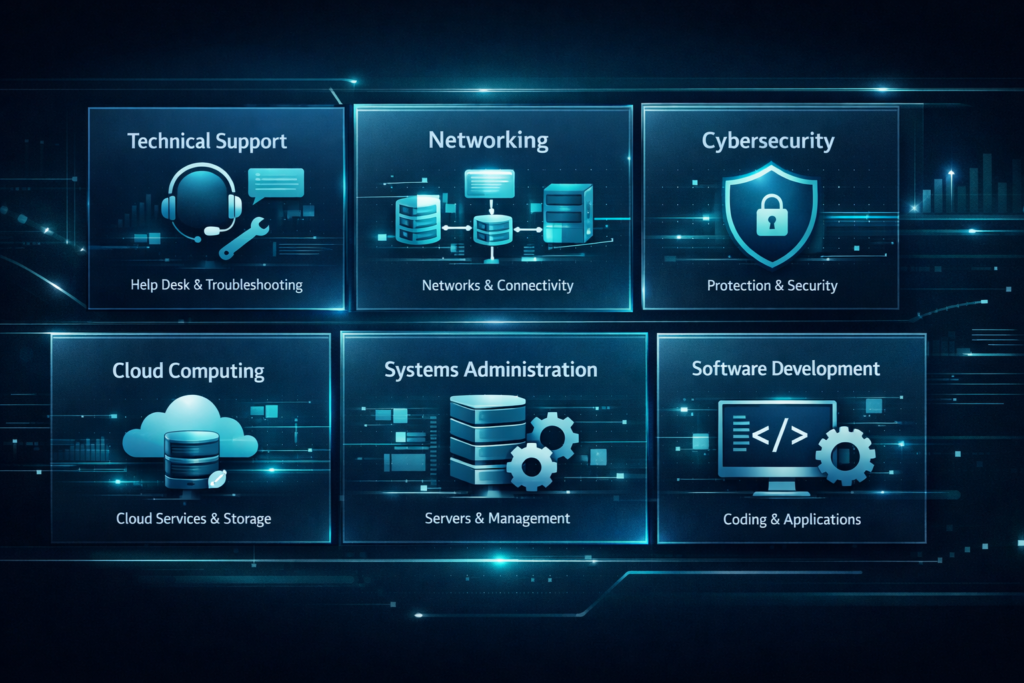
Here is a simple way to understand the main divisions of the IT field.
1. Technical Support / Help Desk / Service Desk
This is often one of the best entry points for beginners.
Focus:
- assisting users
- solving everyday tech issues
- troubleshooting devices and software
- supporting company operations
2. Networking
This area focuses on how devices communicate and connect.
Focus:
- routers
- switches
- Wi-Fi
- IP addresses
- connectivity
- network troubleshooting
3. Systems Administration
This area is related to maintaining systems, user accounts, permissions, updates, and servers.
Focus:
- managing systems
- user administration
- configurations
- monitoring
- maintenance
4. Cybersecurity
This area focuses on protecting systems, networks, accounts, and data.
Focus:
- security practices
- risk reduction
- access control
- monitoring threats
- security awareness
5. Cloud Computing
Cloud is now a major part of modern IT.
Focus:
- cloud services
- storage
- remote systems
- infrastructure
- support for online environments
6. Databases and Data
This area deals with storing, organizing, and managing information.
Focus:
- data structure
- database systems
- access
- organization
- reporting
7. Software Development
This is the programming side that many people immediately see online.
Focus:
- coding
- building applications
- websites
- automation
- software logic
It is an important area, but again, it is not the only one.
8. IT Operations and Infrastructure
This area supports the larger technical environment behind a company’s systems.
Focus:
- servers
- systems availability
- internal tools
- infrastructure maintenance
- operational stability
You Do Not Need to Know Everything Before Starting
One of the biggest mistakes beginners make is thinking they need to understand the entire field before they begin.
You do not.
You just need a starting point.
You can begin by understanding the basics of technology, becoming more confident with computers, learning how IT works in real environments, and exploring different areas little by little.
Clarity comes with progress.
Many people do not start because they are waiting to feel ready. But readiness often comes after starting, not before.
A Simple Path to Start Learning IT from Scratch
If you are feeling overwhelmed, here is a simple path you can follow:
Step 1: Learn basic computer skills
Make sure you understand files, folders, browsers, email, settings, and common tools.
Step 2: Improve your digital confidence
Practice using a computer more intentionally. Organize files. Learn shortcuts. Explore system settings. Understand how common problems happen.
Step 3: Learn what IT is
Study the main areas of IT so you can understand the bigger picture and discover what interests you most.
Step 4: Explore support and troubleshooting
This is one of the best ways to develop practical thinking and real-world confidence.
Step 5: Build technical vocabulary
Start learning common terms used in the field.
Step 6: Choose one direction to explore further
After building a basic foundation, you can look more closely at support, networking, cloud, cybersecurity, systems, or programming.
Final Thoughts
Starting in IT does not mean jumping straight into programming and feeling lost.
It means building understanding step by step.
It means learning the basics well.
It means accepting that a strong foundation is not a waste of time — it is one of the smartest things you can build.
Technology is a wide field with many possible paths, and there is room for different strengths, different personalities, and different starting points.
You do not need to be a genius.
You do not need to know everything.
You do not need to start with the hardest thing first.
You need a place to begin.
And the basics are a very good place to start.