Most people use an operating system every single day without thinking about it.
It sits quietly in the background, opening programs, organizing files, connecting hardware, and making the whole computer feel usable. In a way, that is exactly what an operating system is supposed to do. When it works well, you barely notice it is there.
But once you start learning technology, understanding the operating system becomes one of the most important basics.
In our last post, we talked about hardware and software. Hardware is the physical part of the computer. Software is what tells the hardware what to do. The operating system is the most important software of all, because it is the one responsible for managing everything else.
Without it, a computer is not really useful. You can have a screen, a keyboard, memory, storage, and processing power, but none of that feels practical or accessible without a system coordinating it all. The operating system is what turns those parts into something you can actually use.
The layer between you and the machine
A simple way to think about the operating system is as the bridge between you and the hardware.
When you move the mouse and see the cursor respond, that is the operating system at work. When you click an app and it opens, when you save a file, when you switch between windows, when the keyboard types letters on the screen, the operating system is involved in all of it.
It manages the relationship between the user, the hardware, and the programs running on the device. That is why it matters so much. It is not just another app installed on the computer. It is the foundation that allows the rest of the software to run properly.
What an operating system actually does
Even though it works mostly in the background, the operating system has a very practical role in daily use.
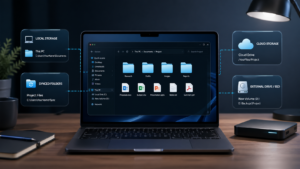
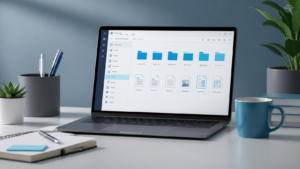
It helps manage the computer’s hardware, including the processor, memory, storage, and connected devices. It also organizes files and folders so you can create, save, move, and find documents more easily. On top of that, it provides the interface people interact with every day, including icons, menus, windows, and settings. And of course, it is also responsible for helping programs open and run correctly.
That may sound simple on the surface, but it is a big job. The operating system is constantly handling things behind the scenes so the computer feels responsive, organized, and usable instead of chaotic.
The operating systems most people hear about
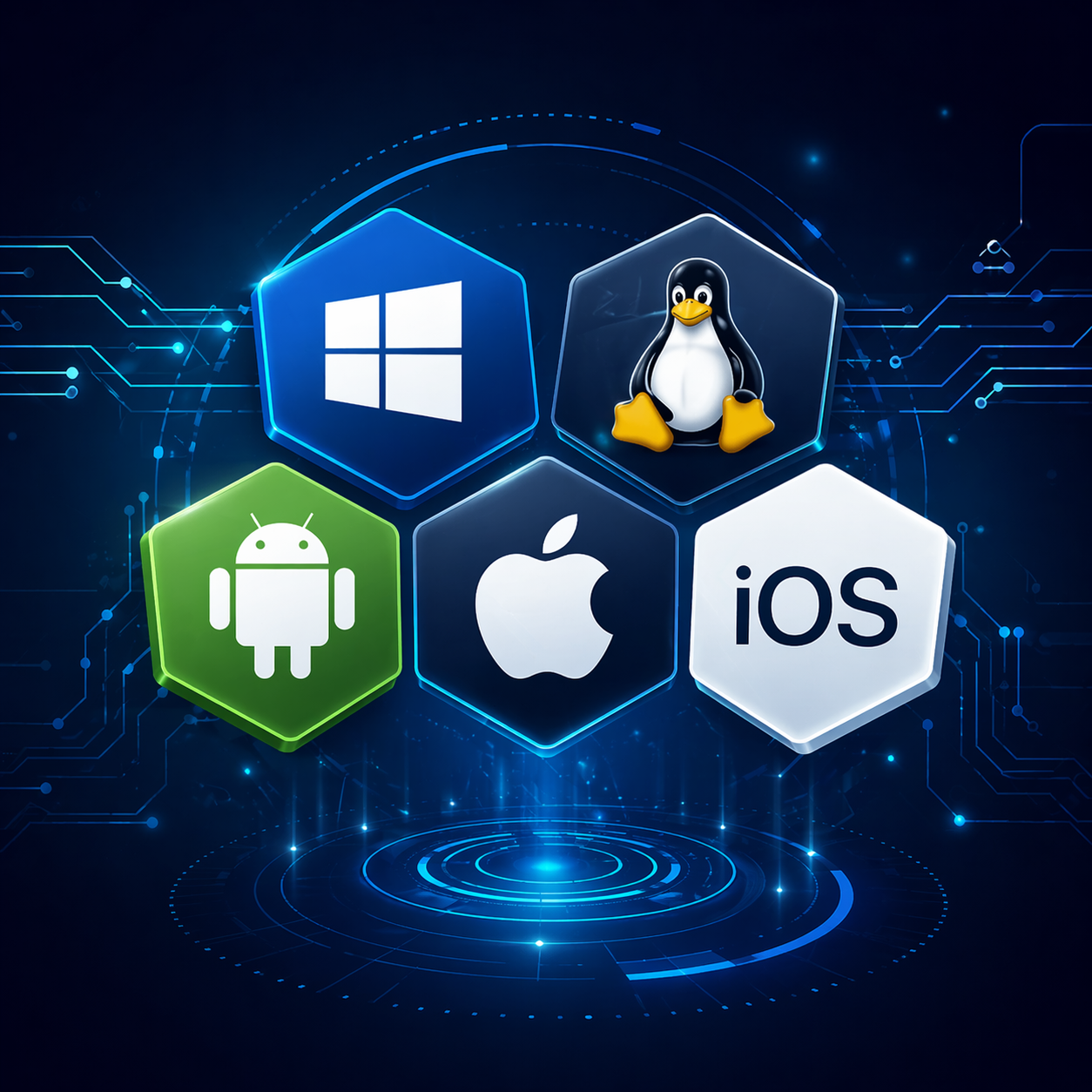
When people start learning about operating systems, three names usually come up first: Windows, Linux, and macOS.
Windows
Windows is the one most people know best, especially in homes, offices, and business environments. It is developed by Microsoft and is still the operating system many users picture when they think of a computer. The Start menu, desktop icons, taskbar, settings, file explorer, and system tools are all part of the Windows experience most people have seen before.
It is also one of the most important systems to know for anyone interested in support or entry-level IT work, because many companies still rely heavily on it in daily operations.
Linux
Linux is different from Windows in both style and culture. It is free, open source, and widely known for stability and flexibility. While it may not be the first system casual users think of, Linux is extremely important in the technology world. A large part of servers, infrastructure, and technical environments runs on Linux in some form.
For beginners, it can seem more advanced at first, especially because command line tools appear more often. But that is also why learning even a little Linux can be such a strong advantage for people who want to grow in IT.
macOS
macOS is Apple’s operating system, used on MacBooks and iMacs. It is known for its clean design, good performance, and close integration with the rest of the Apple ecosystem. People who use iPhones, iPads, and Macs together often notice how smoothly those devices work with each other.
It is especially common in creative environments, with designers, editors, developers, and users who prefer Apple’s approach to hardware and software. It is less dominant in many traditional corporate IT environments, but knowing it is still useful and can be a bonus depending on the kind of work you want to do.
It is not only about laptops and desktops
One thing that surprises many beginners is that operating systems are not limited to traditional computers.
Phones have operating systems. Tablets have operating systems. Smart TVs, ATMs, cars, self-service machines, and many other devices also depend on some type of operating system to function. Android and iOS are two of the most obvious examples because people use them every day on mobile devices, but the bigger point is this: operating systems are everywhere.
Once you understand that, you start to see them less as a technical term and more as something deeply connected to modern life.
Why learning this matters
For someone starting in technology, learning what an operating system is can seem basic. But basic does not mean unimportant.
The truth is that many people struggle later because they try to move into more advanced topics without fully understanding the foundation. If you do not understand what the operating system does, it becomes harder to understand software installation, permissions, updates, file systems, troubleshooting, user accounts, device settings, and many other things that appear constantly in real-life tech situations.
This is why the basics matter so much. They make everything else easier to understand later.
You do not need to master every operating system at once. You do not need to know every advanced setting or command. What matters first is understanding the role the operating system plays and recognizing that it is one of the central parts of how technology works.
Final thought
An operating system is the invisible layer that makes a computer usable.
It connects you to the machine, manages the hardware, organizes files, runs programs, and creates the environment where everything else happens. Most people depend on it every day without even noticing, which is probably the clearest sign of how essential it really is.
And for anyone learning technology, understanding the operating system is one more step toward making tech feel less mysterious and much more logical.
Next in the series: a closer look at files, folders, and how computers organize information.